Step 1
Register your property
Enter the property name, your name and your email: you get a temporary password and 30 days of trial with every feature, no credit card. You are the administrator.
From sign-up to the police report: what you do and what the app does by itself.
Enter the property name, your name and your email: you get a temporary password and 30 days of trial with every feature, no credit card. You are the administrator.
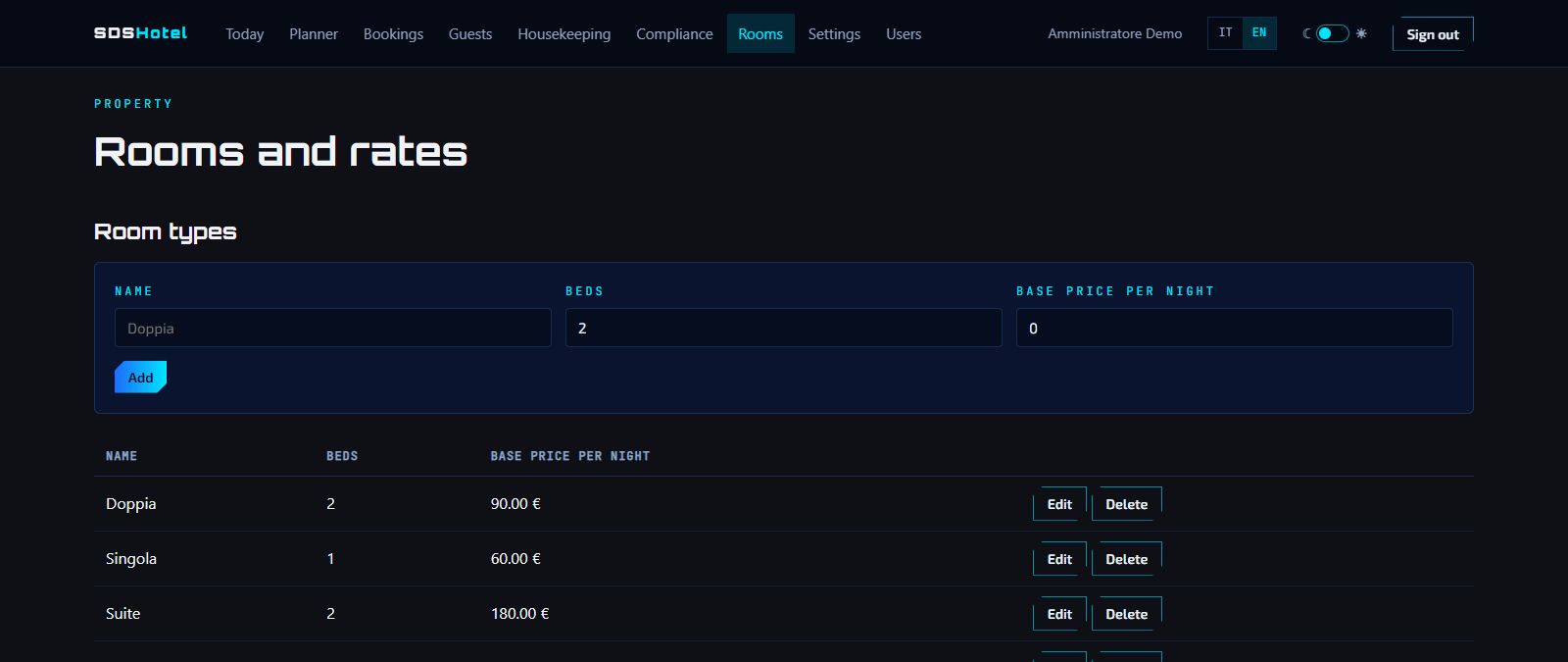
Create the room types (double, single, suite…) with beds and base price, then the rooms and the seasonal rates. Booking prices are computed from here.
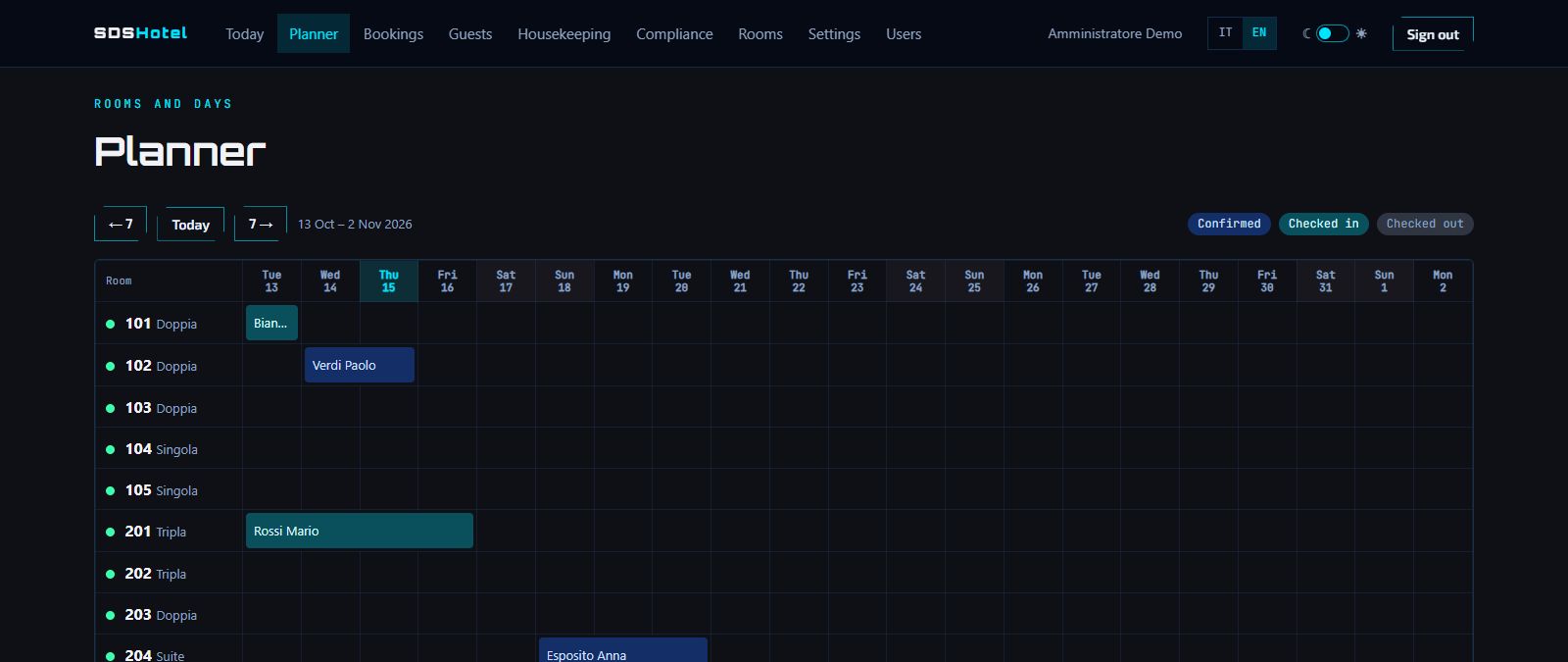
Rooms on the rows, days on the columns: see at a glance who arrives, who is staying and what is free. Click a free day and the booking is ready.
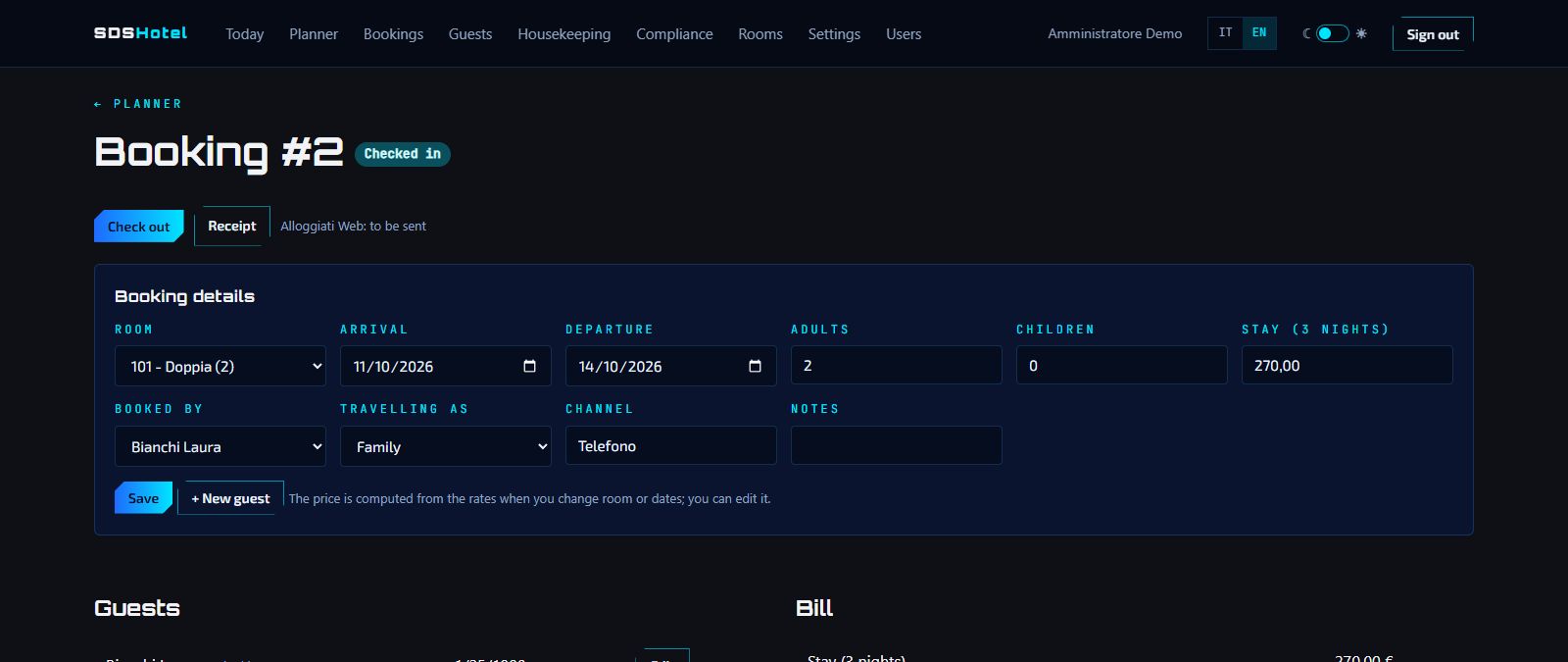
Room, dates, adults and children, who books and the channel. The price is computed from the rates and you can adjust it; two bookings cannot overlap on the same room. Check-in and check-out in one click.
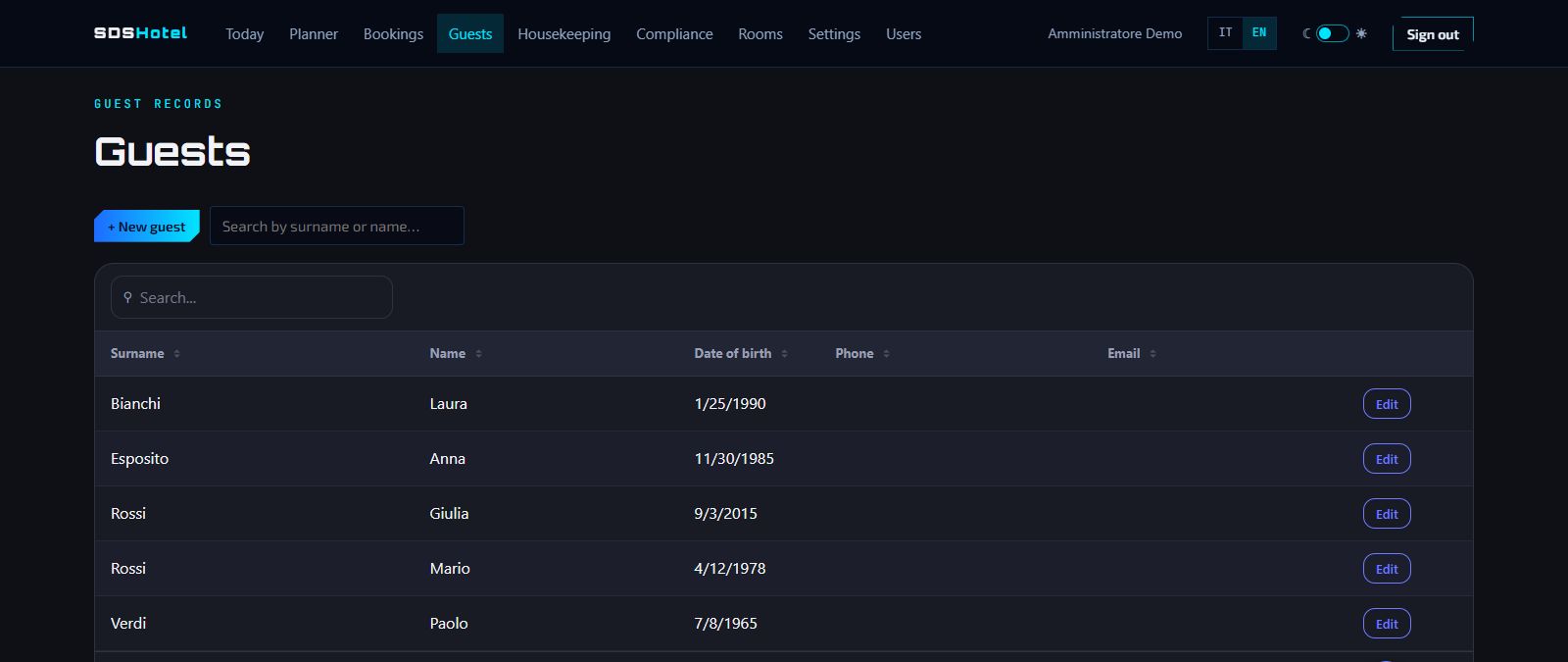
Main guest and companions, with the data the police needs: place of birth and document. Towns and countries are picked by name from the official tables, and returning guests are already on file.
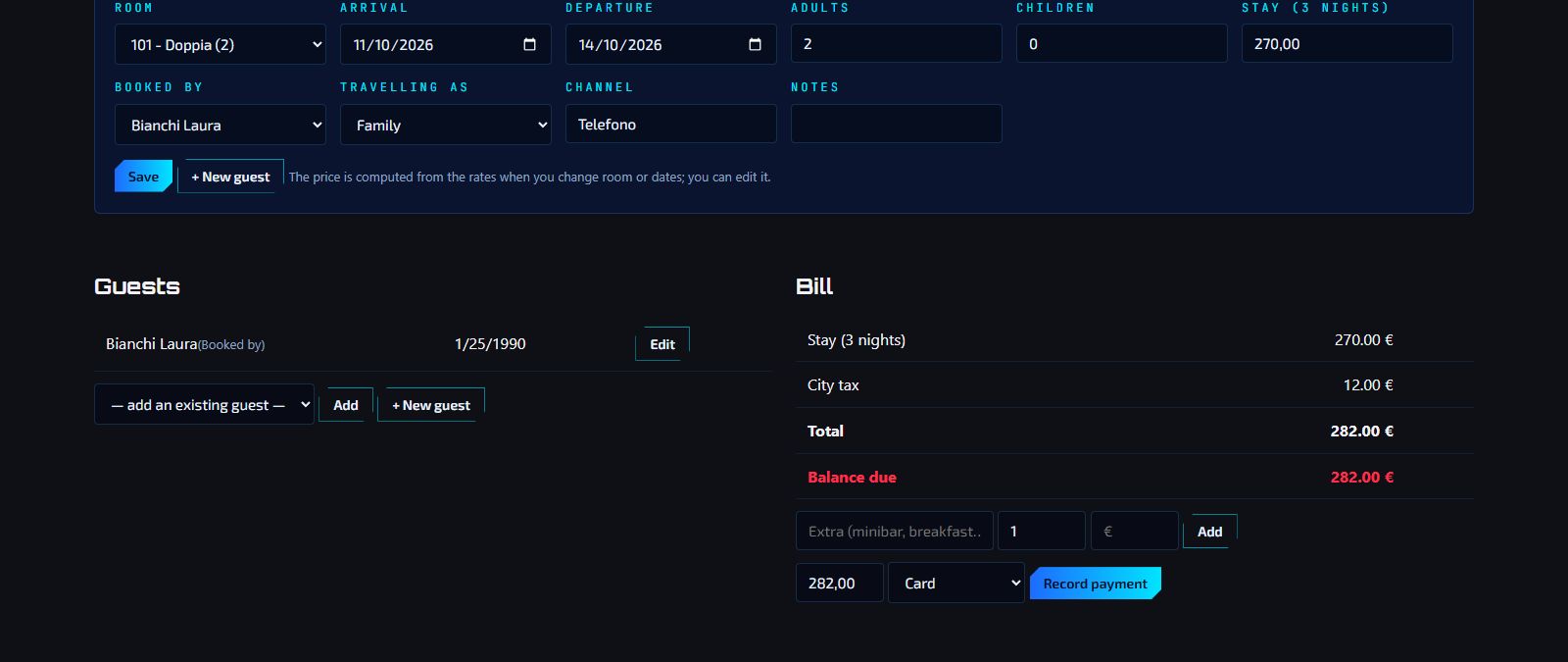
Stay, city tax and extras like breakfast or minibar. Record deposits and payments and always see the balance; at the end print the receipt (not a tax invoice).
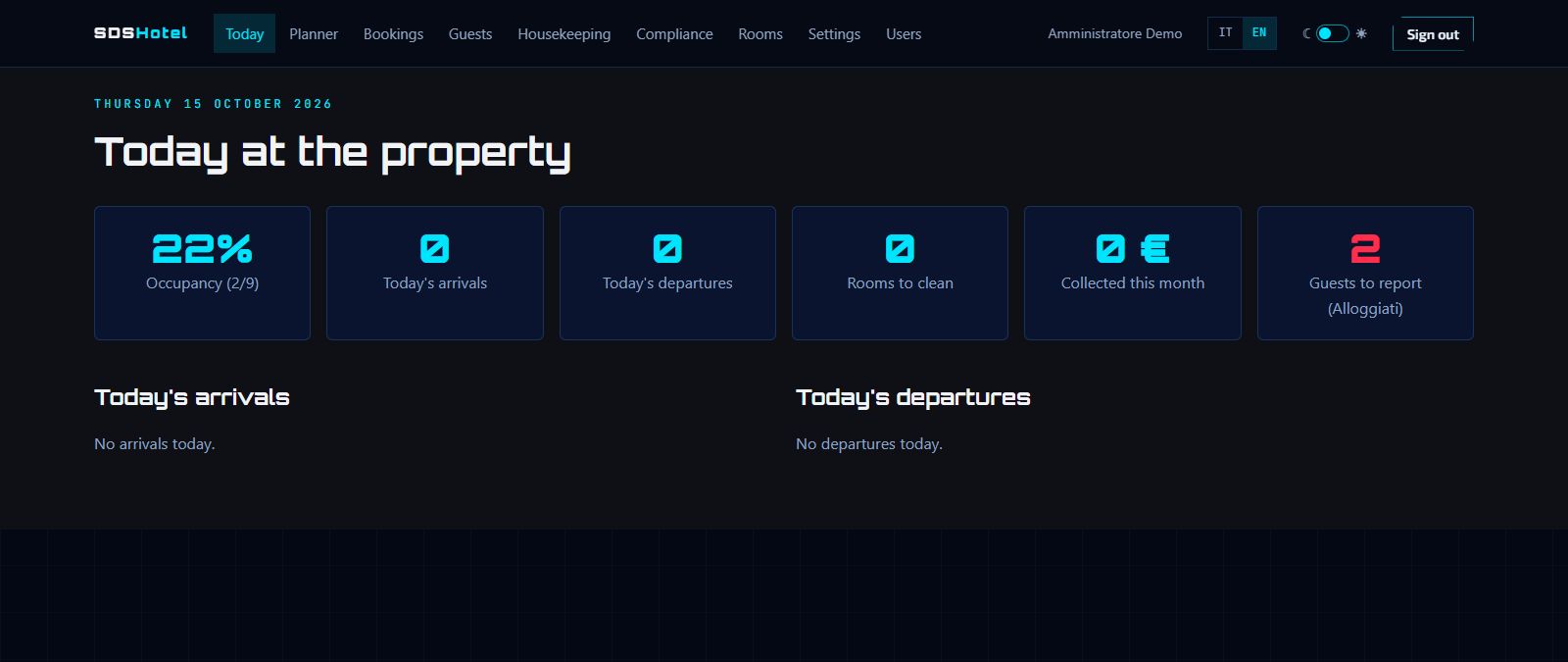
Occupancy, today's arrivals and departures, rooms to clean, takings of the month and guests still to report to the police.
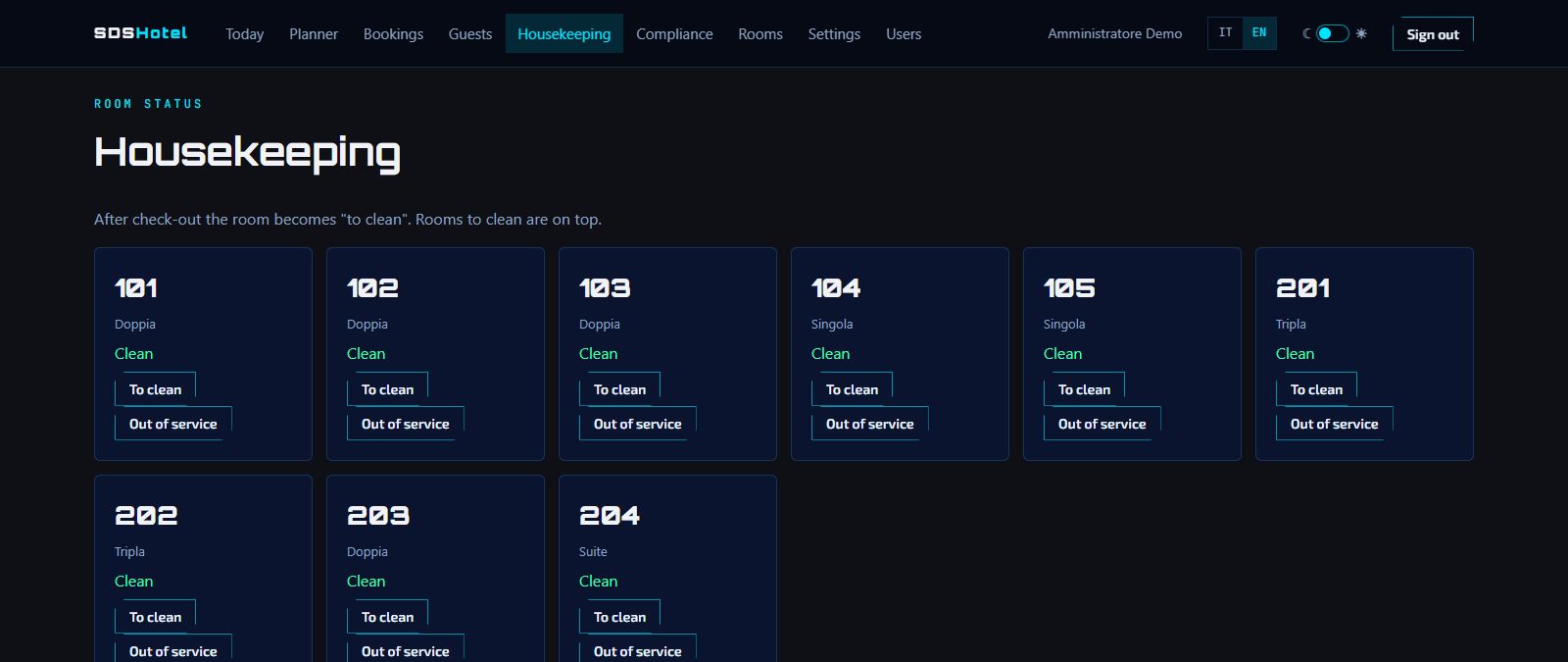
After check-out the room becomes "to clean" and moves to the top of the list: housekeeping marks it clean, or out of service.
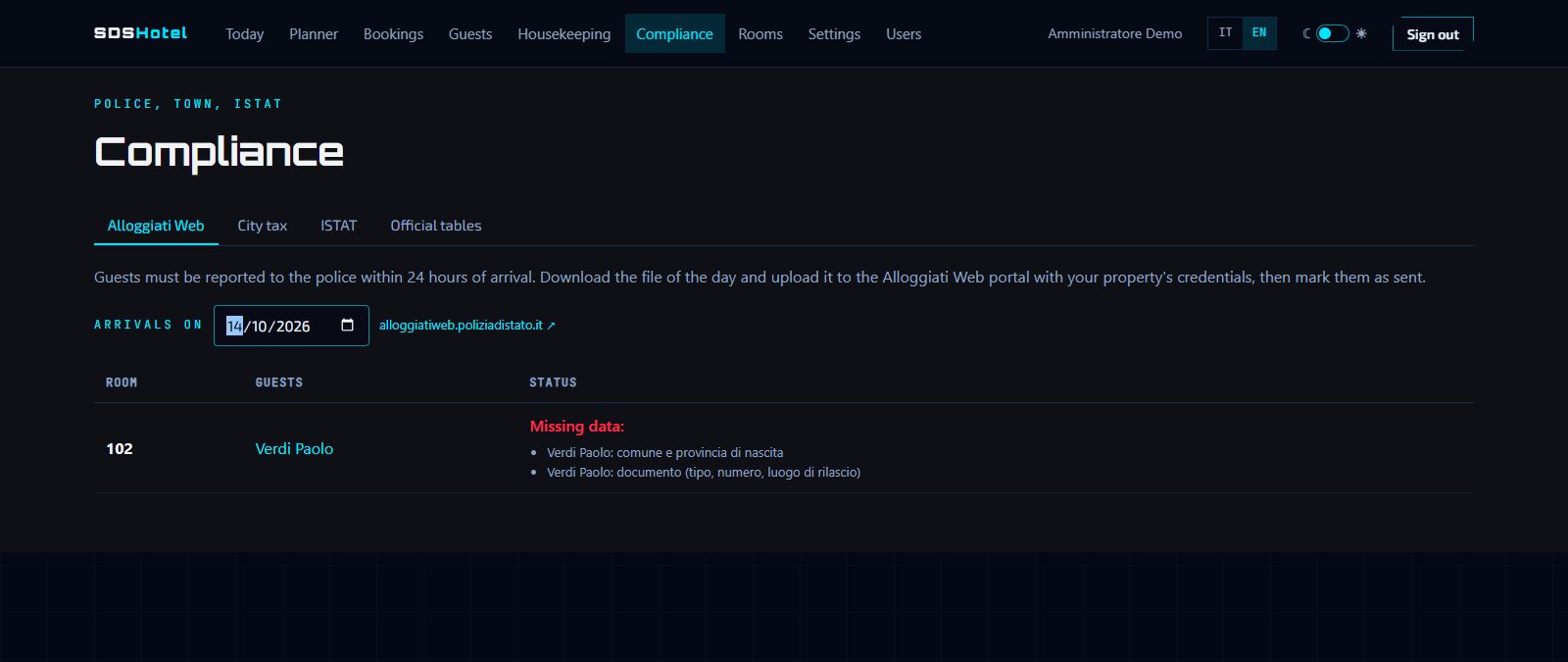
Pick the arrival day and download the file for the police, with a warning for missing data. You upload the file to the Alloggiati Web portal yourself: the app does not send it.
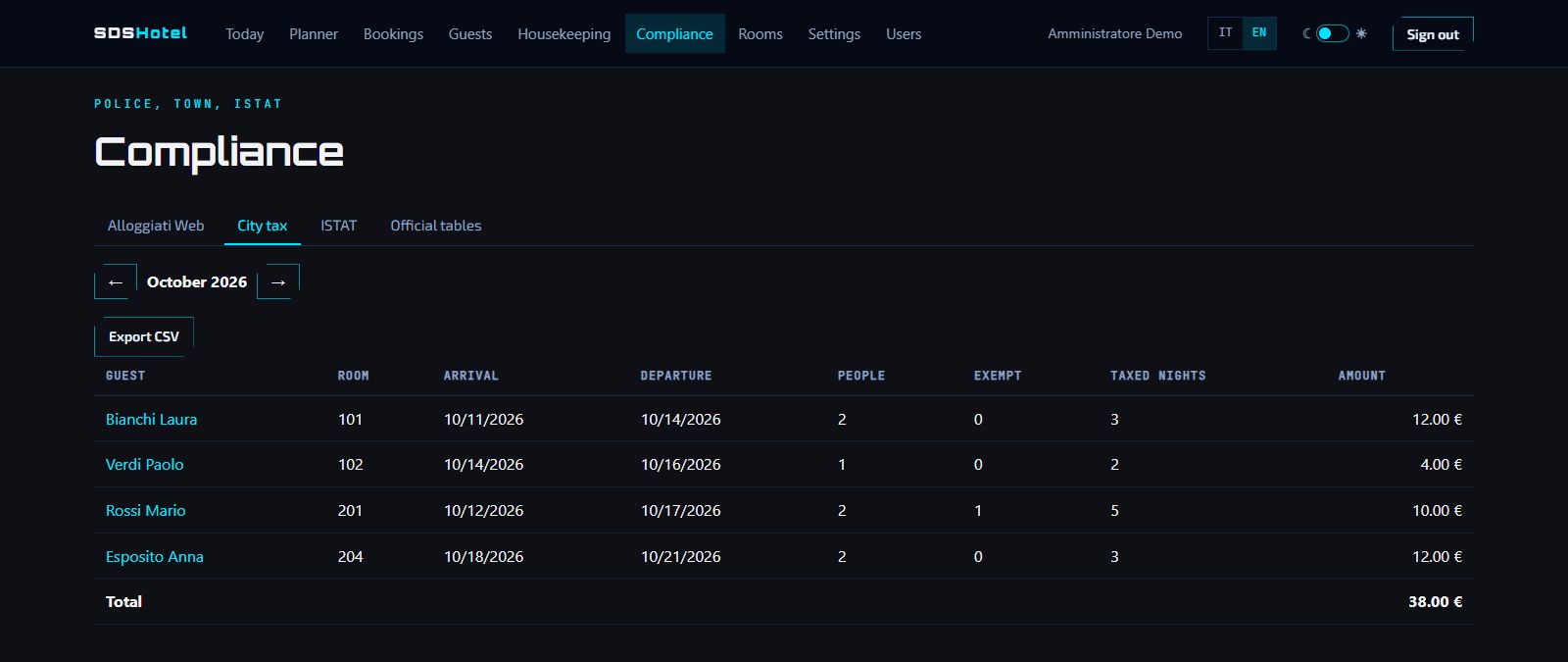
Set your town's rules (amount, age exemptions, maximum nights): the tax goes into the bill and the monthly summary by itself, exportable to CSV. Arrivals and nights for ISTAT are ready in CSV too.